Iron & Mud
A downloadable game for Windows and Linux
Thanks for wanting to be part of the beta.
Join the discord
Installation
1. Install the itch app and create an account.
2. Open the itch app and copy https://ironandmud.itch.io/play to the address bar.
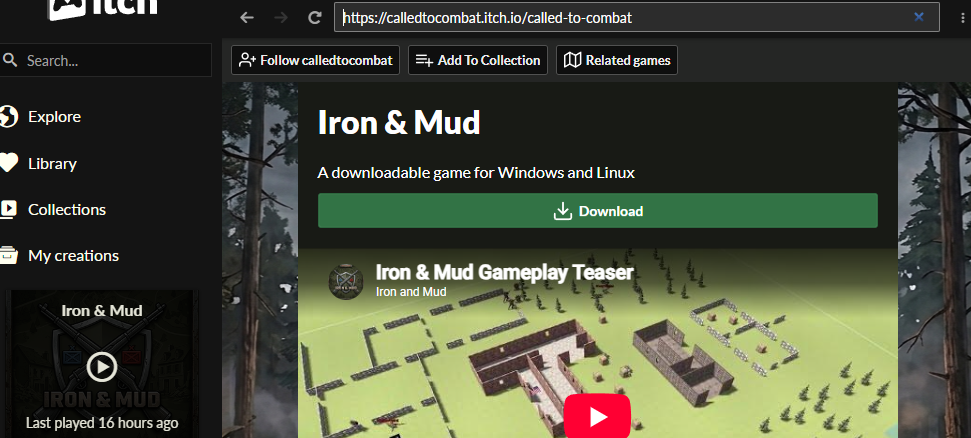
3. Install the game from the page into your itch library, choosing the Windows or Linux download for your computer.
4. Click **Play** in the itch app.
How do I get Updates?
The itch app updates the game for you whenever a new Build is published, so you always have the latest fix. To check, open the game in the itch app and let it finish updating before you click **Play**.
How do I know when I need to update the game?
If the connect screen says:
This game is not the same Build as the server. z
Update the game by clicking the gear icon, check for updates, then connect again.
Each time a new build is published the server restarts and itch will update the app. If you downloaded the game outside of the itch app then you will need to come back to this page to download the latest version of the app.
Download

Leave a comment
Log in with itch.io to leave a comment.